
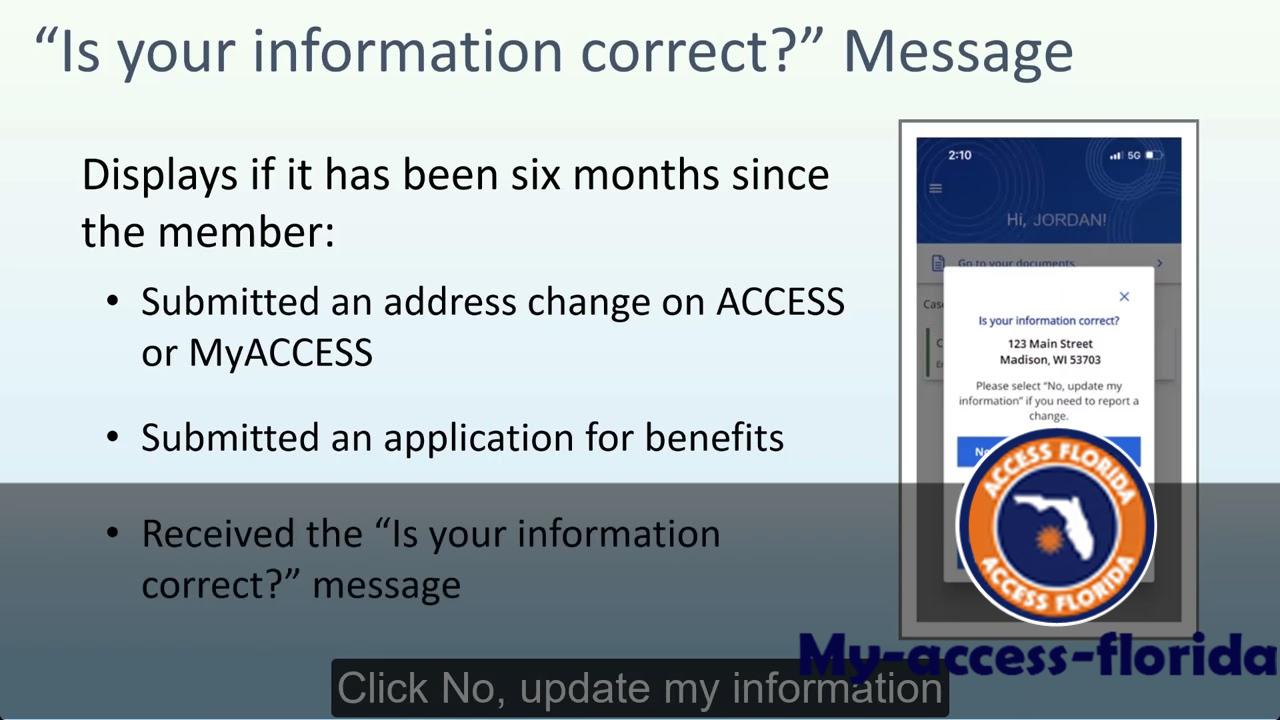
Reporting a change of income via My ACCESS Florida is a crucial step to ensure you receive accurate benefits and assistance. By updating your income information promptly, you can avoid potential overpayments or underpayments. In this guide, we will walk you through the process of reporting a change of income on My ACCESS Florida, making it easy for you to stay on top of your benefits.
My ACCESS Florida
My ACCESS Florida is an online portal designed to help individuals and families in Florida apply for and manage their benefits, such as food assistance, cash assistance, and Medicaid. By creating an account on My ACCESS Florida, users can access important information, submit required documents, and report any changes that may affect their eligibility for benefits.
How to Create an Account on My ACCESS Florida
To create an account on My ACCESS Florida, users need to visit the official website and follow the registration process. They will be required to provide personal information, such as their name, address, and social security number. Once the account is created, users can log in securely to access their benefits information and make necessary updates.
Accessing the My ACCESS Florida Portal
After creating an account, users can easily access the My ACCESS Florida portal by entering their username and password. The portal provides a user-friendly interface where individuals can navigate through different sections to view their benefits status, submit documents, and communicate with the Florida Department of Children and Families.

How to Create an Account on My ACCESS Florida
Creating a New Account
To create an account on My ACCESS Florida, visit the official website and look for the option to register as a new user. You will need to provide personal information such as your name, address, and Social Security number. Make sure to create a strong password to protect your account.
Verification Process
After completing the registration form, you may need to verify your identity. This can be done through different methods such as answering security questions or receiving a verification code via email or text message. Once your identity is verified, your account will be activated, and you can start accessing the services provided by My ACCESS Florida.
Accessing the My ACCESS Florida Portal
My ACCESS Florida portal provides a convenient way for individuals and families to access various social services and benefits offered by the state of Florida. To access the portal, you will need to create an account and log in using your credentials. Once logged in, you can apply for benefits, check your eligibility status, report changes, and access important information related to your benefits.
Logging In to My ACCESS Florida
After creating your account, you can easily log in to the My ACCESS Florida portal by entering your username and password. Make sure to keep your login credentials secure to protect your personal information. Once logged in, you will have access to a personalized dashboard where you can view and manage your benefits efficiently.
4. Reporting a Change of Income on My ACCESS Florida
4.1 Why Report Income Changes?
Reporting changes in **income** is crucial to ensure that you receive the correct benefits through My ACCESS Florida. Failing to report changes promptly may result in receiving incorrect benefit amounts or even ineligibility for certain programs. By keeping your income information up to date, you can avoid potential issues and ensure that you are receiving the assistance you are entitled to.
4.2 How to Report Income Changes
When you experience a change in **income**, you must promptly update your information on the My ACCESS Florida portal. Log in to your account, navigate to the income section, and follow the prompts to input the new income details. Make sure to provide accurate and current information to avoid any delays in processing your updates. After submitting the changes, you will receive a confirmation of the update, and your benefits will be adjusted accordingly.

Understanding Income Changes in My ACCESS Florida
Understanding Income Changes in My ACCESS Florida is crucial for maintaining eligibility for benefits. Income changes can impact the amount of assistance an individual or household receives, so it is important to accurately report any changes as soon as they occur. Whether it’s a change in employment status, earnings, or other sources of income, being aware of how these changes can affect benefits is essential.
Types of Income Changes
There are various types of income changes that may occur, such as an increase or decrease in wages, a change in hours worked, a new job, or the loss of a job. Additionally, changes in other sources of income, such as child support, social security benefits, or pensions, can also impact eligibility for benefits. It’s important to understand the specific requirements and reporting procedures for each type of income change to ensure compliance with My ACCESS Florida guidelines.
Common Issues When Reporting Income Changes
Reporting income changes in My ACCESS Florida is crucial to ensure you are receiving the correct benefits. However, there are common issues that applicants may encounter during this process. One common issue is misunderstanding what constitutes income. It’s important to accurately report all sources of income, including wages, social security benefits, child support, and any other financial support received.
Another common issue is forgetting to update income changes promptly. Failure to report changes in income promptly can result in overpayment of benefits, which may need to be repaid. Additionally, some applicants may face challenges in verifying income changes due to missing documentation or discrepancies in the information provided. It’s essential to keep accurate records and be prepared to provide necessary documentation when reporting income changes on My ACCESS Florida.
Reviewing Income Change Submissions on My ACCESS Florida
Overview
Reviewing income change submissions on My ACCESS Florida is crucial to ensure that your benefits accurately reflect your current financial situation. This process allows you to verify that the changes you reported have been properly documented and processed by the system. By reviewing your submissions, you can confirm that any adjustments to your benefits have been made accordingly.
Steps to Review Income Changes
To review income change submissions on My ACCESS Florida, log in to your account and navigate to the section related to income changes. Here, you will find a summary of the changes you have reported, including any updates to your income information. Take the time to carefully review this information to ensure its accuracy. If you notice any discrepancies or errors, you can follow the necessary steps to correct them promptly.