
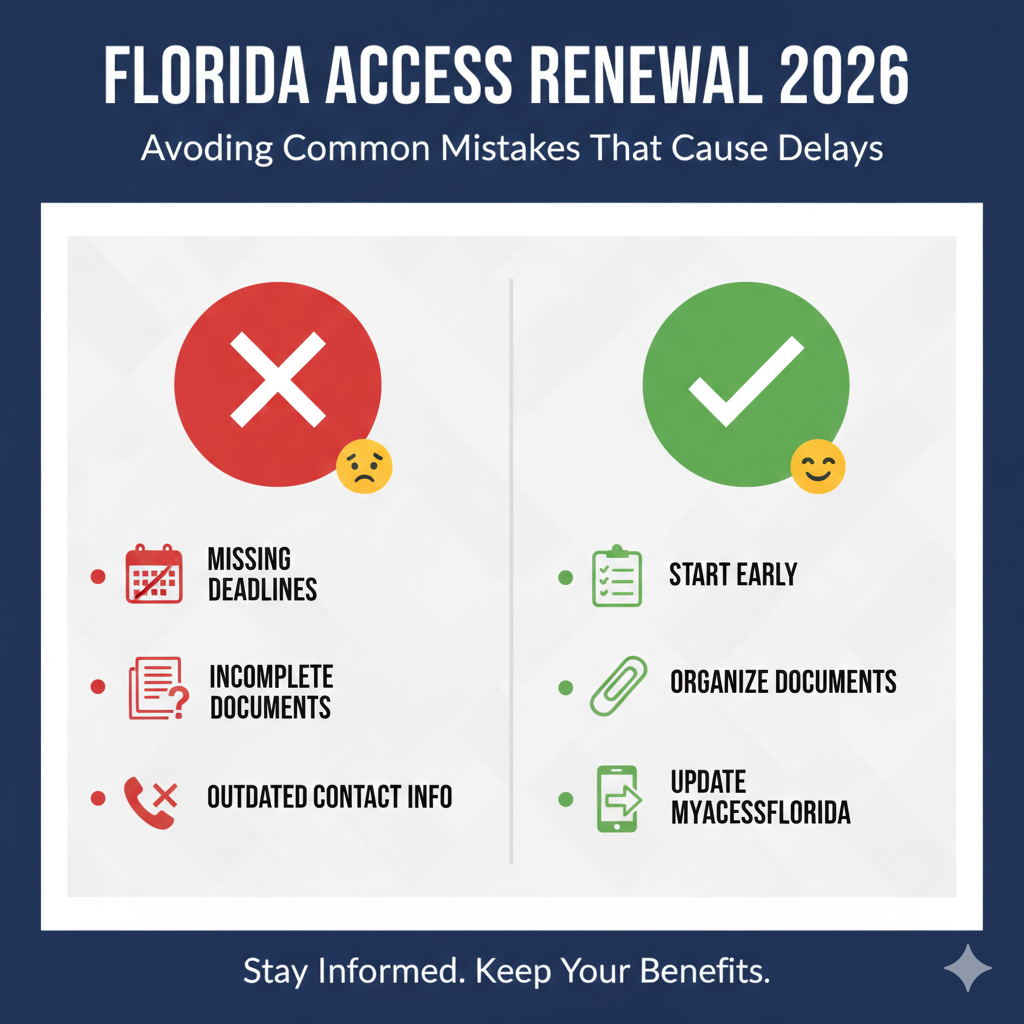
The Florida ACCESS renewal process is the most critical time of the year for any household receiving SNAP, Medicaid, or TANF benefits. A single error, a missed deadline, or a forgotten document can lead to an immediate “Notice of Case Action” terminating your assistance. In 2026, the Department of Children and Families (DCF) has streamlined some digital processes, but the complexity of eligibility remains.
If you rely on MyAccessFlorida for your family’s well-being, this comprehensive guide will walk you through the renewal steps, the most common pitfalls to avoid, and expert tips to ensure your benefits continue without a single day of interruption.
The Importance of the “Redetermination” Period
In Florida, “Renewal” is formally known as Redetermination. This is the legal process where the state verifies that you still meet the income and asset criteria for public assistance.
Typically, SNAP and Medicaid certifications last between 6 and 12 months. About 45 days before your benefits are set to expire, DCF will send a notification. Do not wait for the paper letter. Most delays happen because mail is lost or sent to an old address. You should check your MyAccessFlorida “Message Center” at least once a week.
Top 5 Mistakes That Cause Benefit Delays (and How to Fix Them)
A. Failing to Update Contact Information
This is the number one reason for benefit termination. If DCF sends a request for information (RFI) and it goes to an old address or email, you won’t know you’re in danger of losing benefits.
-
The Fix: Every time you move or change your phone number, update it in the “Profile” section of your MyAccessFlorida account immediately.
B. Missing the “Submit By” Date
There is a difference between your “Benefit End Date” and your “Renewal Deadline.” Often, you must submit your renewal by the 15th of the month before your benefits end to ensure there is enough time for a caseworker to review the file.
-
The Fix: Set a calendar alert for 60 days before your expiration. Submit your renewal as soon as the system opens the window.
C. Uploading Unreadable or Incomplete Documents
Taking a blurry photo of a paystub or forgetting the back side of an ID card will result in an “Incomplete Application” status. The caseworker will put your file at the bottom of the pile until you provide a clear copy.
-
The Fix: Use a mobile scanning app (like Google Drive or Adobe Scan) to create clear PDF versions of your documents. Ensure all four corners of the paper are visible.
D. Not Reporting “New” Income or Household Changes
If you started a side gig, received a small raise, or a roommate moved out, and you don’t report it during renewal, it can be flagged as “Intentional Program Violation” (IPV). This can lead to being barred from the program.
-
The Fix: Be transparent. List all income, even if it’s inconsistent. It’s better to have a slight reduction in benefits than a total disqualification for fraud.
E. Forgetting the Interview Requirement
For SNAP benefits, an interview is often required. Many people submit their paperwork and think they are done. If you miss the call from the DCF caseworker, your case will be denied for “failure to cooperate.”
-
The Fix: Keep your phone nearby during business hours after you submit your renewal. If you miss the call, use the ACCESS Florida Customer Call Center (1-850-300-4323) to reschedule immediately.
Step-by-Step Guide to a Successful 2026 Renewal
To ensure a 100% success rate, follow this professional workflow:
Step 1: Gather Your Documentation
Before you even log in, have digital copies of:
-
Proof of Income: Paystubs for the last 4 weeks.
-
Identity: Driver’s license or Social Security cards for new household members.
-
Shelter Expenses: Current lease, mortgage statement, or property tax bill.
-
Utility Bills: Specifically electric or gas (to claim the Standard Utility Allowance).
-
Medical Expenses: Only if 60+ or disabled.
Step 2: The Digital Application
Log into your MyAccessFlorida account. Select “Renew My Benefits.” The system will pre-fill information from your last application. Carefully review every line. Do not just click “Next”—ensure the numbers are still accurate for 2026.
Step 3: The “Document Upload” Portal
After submitting the text portion, go to the “Upload Documents” section. Label each file clearly (e.g., “John_Doe_Paystubs_Feb2026.pdf”). This helps the caseworker process your file faster.
Step 4: Verification and Follow-up
After 48 hours, log back in. Check the “Case Status” tab. If it says “Pending,” look for a list of “Outstanding Items.” If they ask for something you already uploaded, upload it again or call the help line.
Understanding 2026 Income Thresholds
For 2026, Florida has adjusted its income limits based on the federal poverty level. If your income has increased, you might still qualify for “Transitional Medicaid” or “Transitional Food Assistance” even if you no longer qualify for full SNAP.
-
Gross Income Limit: 200% of the Federal Poverty Level (FPL) for most households.
-
Net Income Limit: 100% of the FPL.
If you are close to the limit, ensure you are claiming every possible deduction (childcare, elderly medical costs, and high rent) to bring your “Net Income” down.
What to Do If Your Renewal Is Denied
If you receive a denial notice, don’t panic, but act fast. You have a legal right to a “Fair Hearing.”
-
Read the Reason: The notice must state why you were denied.
-
The 90-Day Rule: You generally have 90 days to appeal, but if you appeal within 10 days, you may be able to keep your benefits active while the appeal is pending.
-
Contact Legal Aid: Florida has several pro-bono legal services (like Florida Rural Legal Services) that specialize in DCF appeals.
Pro-Tips for “Power Users” of MyAccessFlorida
-
The “Midnight” Rule: The MyAccessFlorida portal is often slow during business hours. Submitting your renewal late at night or very early in the morning can prevent system crashes.
-
Screenshot Everything: Take a screenshot of your “Confirmation Number” after you submit. This is your only proof if the system loses your application.
-
Email Notifications: Enable “Paperless Messaging.” You will get an email the second a decision is made, rather than waiting 5-7 days for the mail.
Frequently Asked Questions (FAQ)
How long does the renewal process take?
By law, DCF has 30 days to process a SNAP application and up to 45-90 days for Medicaid. However, if you provide all documents upfront, it is often finished in 7-10 business days.
Can I renew my Florida benefits by phone?
While the online portal is preferred, you can call 1-850-300-4323 to complete a renewal over the phone if you have a disability or a language barrier that prevents you from using the website.
Does my car count against me during renewal?
In Florida, for most SNAP households, the value of one vehicle is NOT counted toward your asset limit. If you have multiple high-value vehicles, you should consult the latest 2026 asset guidelines on the DCF website.
What if I missed my renewal date?
If you are less than 30 days late, you can usually still submit the renewal, but your benefits will be prorated (you’ll lose money for the days you were “expired”). If you are more than 30 days late, you must start a brand-new application.
The Florida ACCESS renewal doesn’t have to be a stressful event. By staying organized, keeping your digital profile updated, and avoiding the common mistakes listed above, you can protect your family’s access to food and healthcare. Remember, the MyAccessFlorida system is a tool—make sure you are using it to its full potential by checking your status regularly.
Stay Informed, Stay Covered.