
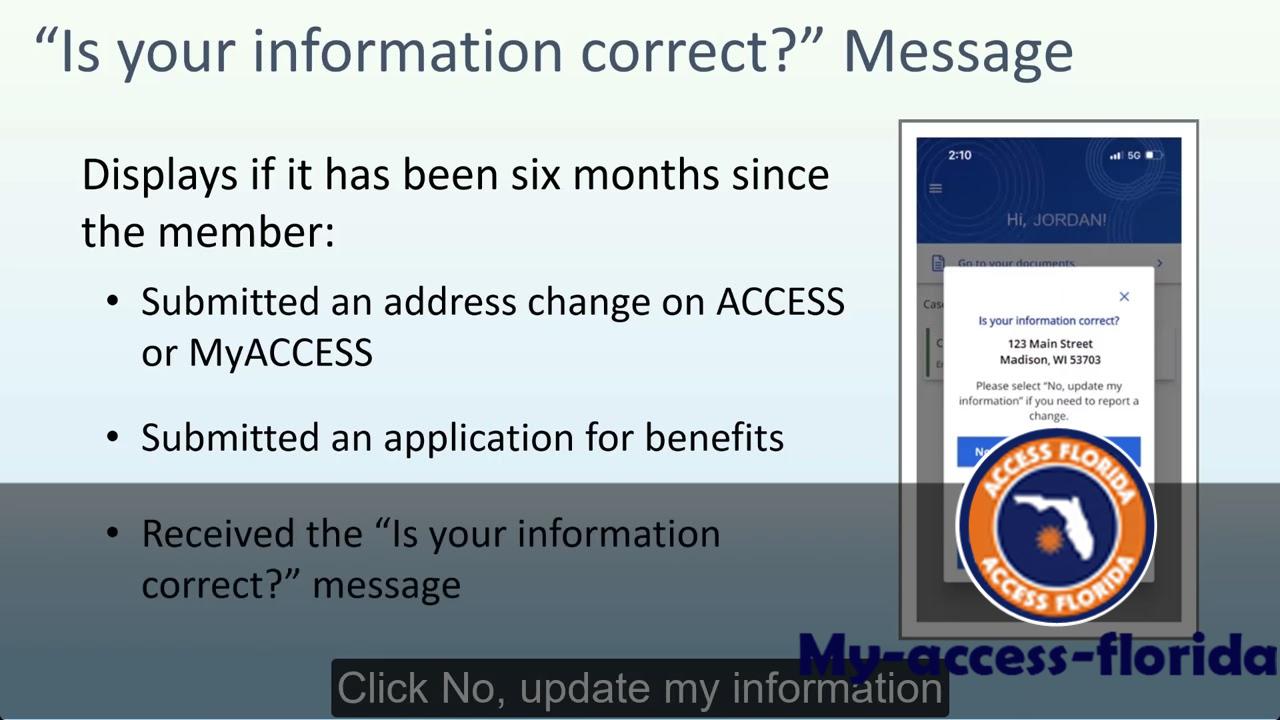
Learn how to easily update your personal information on My ACCESS Florida with these simple steps to ensure your account is accurate and up to date.
How to Update Personal Information on My ACCESS Florida Account
Updating personal information on your My ACCESS Florida account is essential to ensure that you receive the correct benefits and services. To update your personal details, follow these simple steps:
Step 1: Log in to Your Account
To begin the process, log in to your My ACCESS Florida account using your username and password. Once logged in, navigate to the Personal Information section.
Step 2: Review and Edit Details
Review the existing personal information on your account and make any necessary edits. Ensure that your contact information, address, and other details are up to date to avoid any issues with your benefits.

Step-by-Step Guide to Changing Personal Details on My ACCESS Florida
1. Logging into Your Account
To update your personal information on My ACCESS Florida, start by logging into your account using your username and password. If you have forgotten your login details, you can easily reset them using the provided options on the login page.
2. Navigating to Personal Information Section
Once you are logged in, navigate to the Personal Information section of your My ACCESS Florida account. Here, you will find options to update details such as your address, phone number, email, and other personal information.
3. Making Changes and Saving
Click on the fields you wish to update, enter the new information, and click the Save button to confirm the changes. Make sure to review all the updated details carefully before saving to ensure accuracy.
Managing Personal Information on My ACCESS Florida: A Complete Tutorial
Introduction
Managing your personal information on My ACCESS Florida is crucial to ensure that your account is up to date and accurate. This tutorial will guide you through the process of updating your personal details step by step, making it easy for you to make any necessary changes efficiently.
Step 1: Accessing Your Account
The first step in managing your personal information on My ACCESS Florida is to log in to your account using your username and password. Once you have successfully logged in, navigate to the My Profile section to view and update your personal details.
Step 2: Updating Personal Details
Within the My Profile section, you will find options to update various personal details such as your address, phone number, and email address. Simply click on the edit button next to the information you wish to change, enter the new details, and save your updates to ensure that your information is current.
Update Your Personal Information Easily on My ACCESS Florida: A Quick Guide
Introduction
Keeping your personal information up to date on your My ACCESS Florida account is essential to ensure you receive the benefits and services you are entitled to. This quick guide will walk you through the simple process of updating your personal details efficiently and accurately.
Step 1: Log in to Your My ACCESS Florida Account
The first step to updating your personal information is to log in to your My ACCESS Florida account using your username and password. Once you are logged in, navigate to the Profile or Personal Information section, where you can make the necessary changes.
Step 2: Update Your Information
Once you have accessed the Profile or Personal Information section, review your current details and make any necessary changes. You may need to update your address, phone number, email, or other personal information. Double-check all changes before saving to ensure accuracy.

Tips and Tricks for Updating Personal Details on My ACCESS Florida Account
Introduction to Updating Personal Information
Keeping your personal information up to date on your My ACCESS Florida account is crucial to ensure you receive the benefits and services you are entitled to in a timely manner. By regularly reviewing and updating your details, you can avoid any delays or issues with your account.
Best Practices for Updating Personal Details
When updating your personal information on My ACCESS Florida, it’s important to double-check all the details you provide to ensure accuracy. Make sure to update your address, phone number, email, and any other relevant information promptly to avoid any disruptions in communication or services.
The Ultimate Guide to Changing Your Personal Information on My ACCESS Florida
Managing your personal information on My ACCESS Florida is essential to ensure that you receive the benefits you are entitled to. Updating your details promptly can help avoid any delays or issues with your benefits. Follow these steps to update your personal information on My ACCESS Florida:
Step 1: Access Your Account
To begin, log in to your My ACCESS Florida account using your username and password. Once logged in, navigate to the Personal Information section.
Step 2: Review Current Information
Review the personal information currently on file to identify any details that need to be updated, such as your address, contact information, or household composition.
Step 3: Update Information
Click on the relevant fields to update your personal details. Make sure to double-check the accuracy of the information before saving the changes to ensure that your benefits are not affected.
Simplified Process for Updating Your Personal Information on My ACCESS Florida
Introduction
Updating your personal information on My ACCESS Florida is a simple process that allows you to keep your account details up to date. Whether you need to change your address, phone number, or any other personal details, this guide will walk you through the steps to ensure your information is accurate.
Step 1: Accessing Your Account
To begin updating your personal information, log in to your My ACCESS Florida account using your username and password. Once logged in, navigate to the Profile or Account Settings section to locate the option for updating personal details.
Step 2: Making Changes
Once you have located the section for updating personal information, you can proceed to make the necessary changes. Enter the new information accurately and double-check for any errors before saving the updates to ensure that your details are correct.