
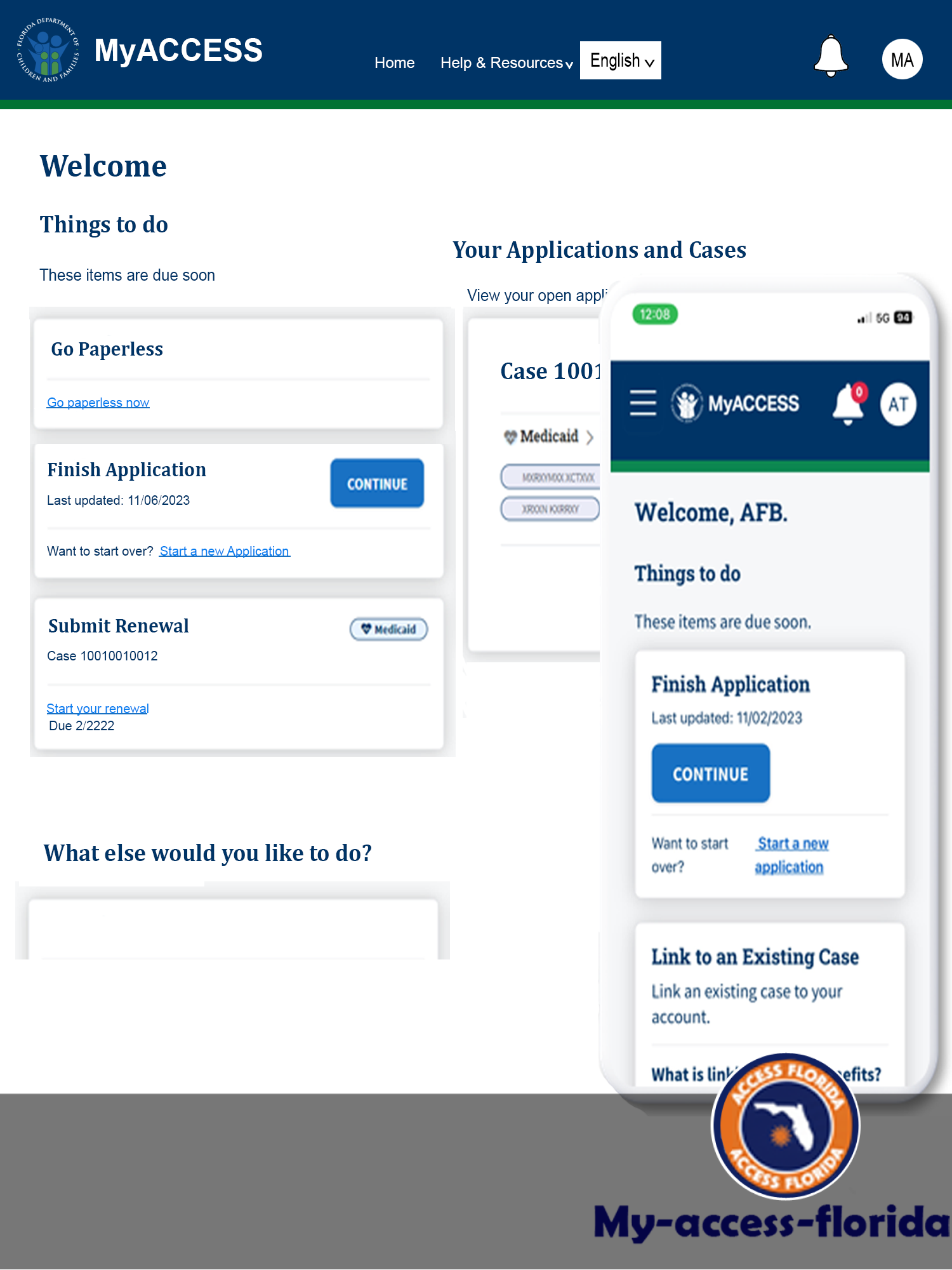
In this blog post, we will guide you through the simple steps to recover your My ACCESS Florida password in just a few minutes.
How to Reset Your ACCESS Florida Password Quickly
Introduction
Resetting your ACCESS Florida password is a simple process that can be done quickly and easily. Your password is a crucial part of accessing your benefits and protecting your personal information. If you’re having trouble logging in or suspect that your password has been compromised, it’s important to reset it as soon as possible to secure your account.
Why Reset Your Password?
There are several reasons why you may need to reset your ACCESS Florida password. Maybe you’ve forgotten it, or perhaps you want to create a stronger password to enhance security. Whatever the reason, resetting your password is essential for ensuring that your account remains safe and secure.
How to Reset Your ACCESS Florida Password Quickly
Resetting your ACCESS Florida password is a simple process that can be done quickly and efficiently. If you have forgotten your password or need to create a new one, follow these steps to regain access to your account.
Step-by-Step Guide to Recovering Your My ACCESS Florida Password
If you find yourself locked out of your ACCESS Florida account, don’t worry. Follow these steps to reset your password: 1. Go to the ACCESS Florida website and click on the Forgot Password link. 2. Enter your username and email address associated with your account. 3. Check your email for a password reset link and follow the instructions provided. 4. Create a new strong password that you can easily remember but others can’t guess.
Tips for Easily Resetting Your ACCESS Florida Password
1. Use a Strong Password
When resetting your ACCESS Florida password, make sure to create a strong and unique password that includes a combination of letters, numbers, and special characters. Avoid using easily guessable information such as your name, birthdate, or common words.
2. Keep Your Security Questions Updated
Ensure that your security questions are up to date and that you choose questions that have answers that are easy for you to remember but hard for others to guess. These security questions are important for verifying your identity when resetting your password.
3. Enable Two-Factor Authentication
For an extra layer of security, consider enabling two-factor authentication for your ACCESS Florida account. This will require you to verify your identity using a code sent to your phone or email whenever you log in or make changes to your account, adding an additional level of protection to your account.
Common Issues When Resetting Your My ACCESS Florida Password
Forgot Username
If you have forgotten your username when trying to reset your My ACCESS Florida password, don’t worry. You can easily retrieve it by clicking on the Forgot Username link on the login page. Follow the instructions provided, which may involve verifying your identity through security questions or email verification. Once you have your username, you can proceed with resetting your password.
Security Questions Not Working
Another common issue when resetting your My ACCESS Florida password is security questions not working. If you find yourself unable to answer the security questions or if the answers are not being accepted, contact the My ACCESS Florida customer support for assistance. They will guide you through alternative methods to verify your identity and reset your password securely.

Best Practices for Creating a Strong ACCESS Florida Password
Why Is a Strong Password Important?
Creating a strong password is crucial for protecting your personal information and ensuring the security of your ACCESS Florida account. A strong password should be unique, complex, and difficult for others to guess. Avoid using easily guessable information such as birthdays, names, or common words. Instead, consider using a combination of uppercase and lowercase letters, numbers, and special characters to enhance the security of your password.
Tips for Creating a Strong Password
When creating a strong password for your ACCESS Florida account, consider using a passphrase instead of a single word. A passphrase is a series of words or a sentence that is easier to remember but harder to crack. Additionally, avoid using the same password for multiple accounts to prevent unauthorized access in case one account is compromised. Remember to change your password regularly and never share it with anyone to maintain the security of your ACCESS Florida account.
Understanding the Importance of Your My ACCESS Florida Password
Having a strong and secure password for your My ACCESS Florida account is crucial to protect your personal information and ensure the safety of your benefits. Your password is the key to accessing sensitive data and should be kept confidential at all times. It is essential to choose a password that is unique, complex, and not easily guessable by others.
Why is a strong password important?
A strong password is your first line of defense against unauthorized access to your My ACCESS Florida account. By creating a strong password, you can help prevent identity theft, fraud, and unauthorized changes to your benefits. It is recommended to use a combination of letters, numbers, and special characters to make your password more secure.
Troubleshooting Guide for Accessing Your Florida Benefits
Introduction
Accessing your Florida benefits is crucial for receiving the assistance you need. If you encounter any issues during the process, this troubleshooting guide will help you navigate through common problems and find solutions quickly.
Forgot Password
If you have forgotten your ACCESS Florida password, you can easily reset it by following the password recovery steps provided on the login page. Make sure to use a strong and unique password to enhance the security of your account.
Account Locked
If your account gets locked after multiple failed login attempts, contact the ACCESS Florida customer support for assistance. They will help you unlock your account and provide guidance on preventing future lockouts.
Website Errors
If you encounter any errors while trying to access your benefits online, try clearing your browser cache and cookies. Additionally, ensure that your internet connection is stable to avoid interruptions during the process.