
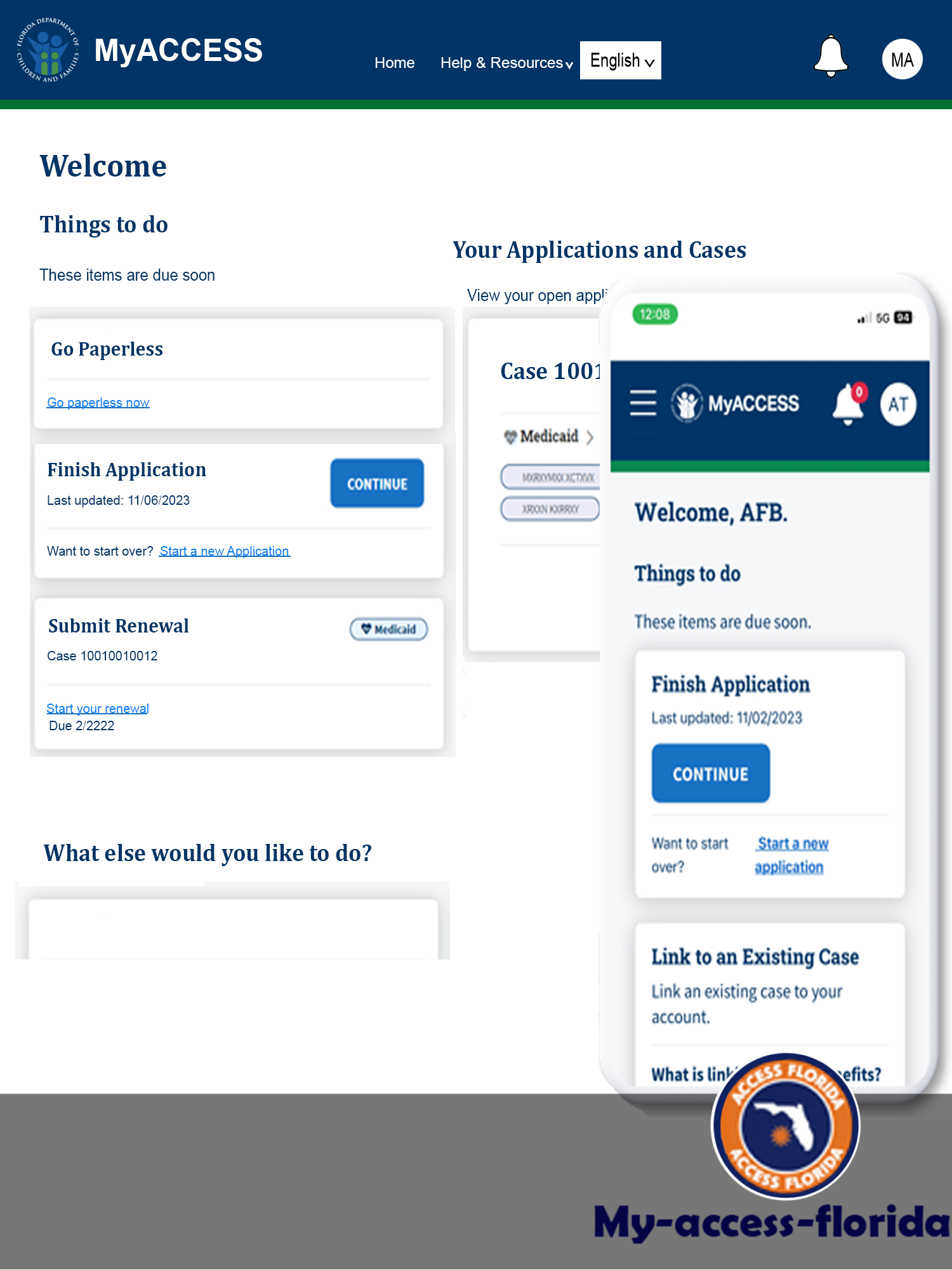
In this guide, we will explore how to resolve login issues on the My ACCESS Florida Portal. Login problems can be frustrating, but with the right steps and guidance, you can quickly overcome them and gain access to the portal. Follow along to learn the common causes of login issues and the troubleshooting steps to resolve them efficiently. Let’s get started on resolving your login issues on the My ACCESS Florida Portal.
Introduction
Welcome to our login troubleshooting guide! In this section, we will address common issues that users may encounter when trying to log into their accounts. Whether you are experiencing problems with your password, account lockout, or simply need technical support, we have got you covered. By following the steps provided in this guide, you will be able to resolve login issues efficiently and get back to accessing your account without any hassle.
Common Login Issues
One of the most frustrating problems users face is encountering common login issues. These can range from incorrect username or password entries to browser compatibility issues. It is essential to double-check your login credentials and ensure that there are no typos. Additionally, clearing your browser cache and cookies can help resolve any technical glitches that may be causing login problems.
Forgot Password
If you have forgotten your password, don’t worry! You can easily reset it by following the Forgot Password link on the login page. This will typically prompt you to enter your email address or username, and then you will receive instructions on how to create a new password. Make sure to choose a strong password that is easy for you to remember but hard for others to guess.

Common Login Issues
Common Login Issues can be frustrating for users trying to access their accounts. One of the most common issues is entering the wrong username or password. Double-checking the login credentials before submitting them can often resolve this issue. Another common problem is having caps lock on, which can result in incorrect password entry. Clearing browser cache and cookies can also help resolve login issues caused by browser-related issues. If the problem persists, it may be due to a temporary server outage or maintenance, in which case waiting for some time and trying again later can be a solution.
Incorrect Password
When users repeatedly face login issues due to an incorrect password, they should use the Forgot Password feature to reset their password. This process usually involves receiving a password reset link via email or answering security questions to set a new password. It’s important to create a strong and memorable password to avoid future login problems.
Forgot Password
Forgot Password is a common issue faced by many users when trying to access their accounts. It can be frustrating to be locked out of your account due to forgetting your password, but there are steps you can take to regain access.
Reset Password
If you have forgotten your password, most websites and applications offer a reset password option. This usually involves receiving an email with a link to create a new password. Make sure to choose a strong, unique password to enhance the security of your account.
Security Questions
Sometimes, you might be prompted to answer security questions to verify your identity before resetting your password. It is important to set up and remember these security questions to make the password recovery process smoother in case you forget your password in the future.
Account Lockout
Overview
Account lockout is a security feature implemented by many systems to protect against unauthorized access. When an account is locked out, the user is unable to log in until the issue is resolved. This can happen due to multiple failed login attempts, suspicious activity, or other security concerns.
Possible Causes
There are several reasons why an account may be locked out. Common causes include entering an incorrect password multiple times, a security breach that triggers an automatic lockout, or exceeding the maximum number of login attempts allowed. It’s important to identify the root cause of the lockout to prevent it from happening again in the future.

Technical Support Contact Information
Overview
Having access to the technical support contact information is essential for quickly resolving any issues or difficulties encountered while using a service or product. This section provides you with the necessary details to reach out to the technical support team for assistance.
Phone Support
If you prefer to speak with a support representative directly, you can contact our technical support team via phone. Dial the provided phone number during the designated support hours to get real-time assistance with your concerns.
Email Support
For non-urgent matters or if you prefer written communication, you can also reach out to our technical support team via email. Simply send an email to the provided address, detailing your issue or question, and a support representative will get back to you as soon as possible.
6. Troubleshooting Steps
Troubleshooting Steps is a crucial section that provides a systematic approach to resolving common issues users may encounter. By following these steps, users can effectively diagnose and address problems they are facing with minimal downtime.
6.1 Internet Connection
Start by checking your internet connection to ensure it is stable and properly configured. Verify that your device is connected to the correct network and try resetting your router if necessary. If the issue persists, contact your internet service provider for further assistance.
6.2 Clear Cache and Cookies
Clearing your browser’s cache and cookies can help resolve issues related to slow loading times or login errors. Navigate to your browser’s settings and clear the cache and cookies stored on your device. Restart the browser and attempt to access the platform again.
Conclusion
Conclusion: After analyzing the common login issues, forgot password situations, account lockout scenarios, technical support contact information, and troubleshooting steps, it is essential to highlight the importance of maintaining good password hygiene and staying informed about potential issues. By following best practices for password security, such as creating strong and unique passwords, enabling two-factor authentication, and regularly updating login credentials, users can significantly reduce the risk of falling victim to security breaches or login problems. Additionally, being proactive in seeking technical support when encountering difficulties can help resolve issues swiftly and prevent further disruptions to access important accounts or services.
Recommendations: To ensure a seamless login experience and protect personal information, users are advised to regularly review and update their login details, enable security features offered by service providers, and reach out to technical support when encountering persistent issues. By staying vigilant and proactive, individuals can safeguard their online accounts and enjoy a secure and efficient digital experience.