
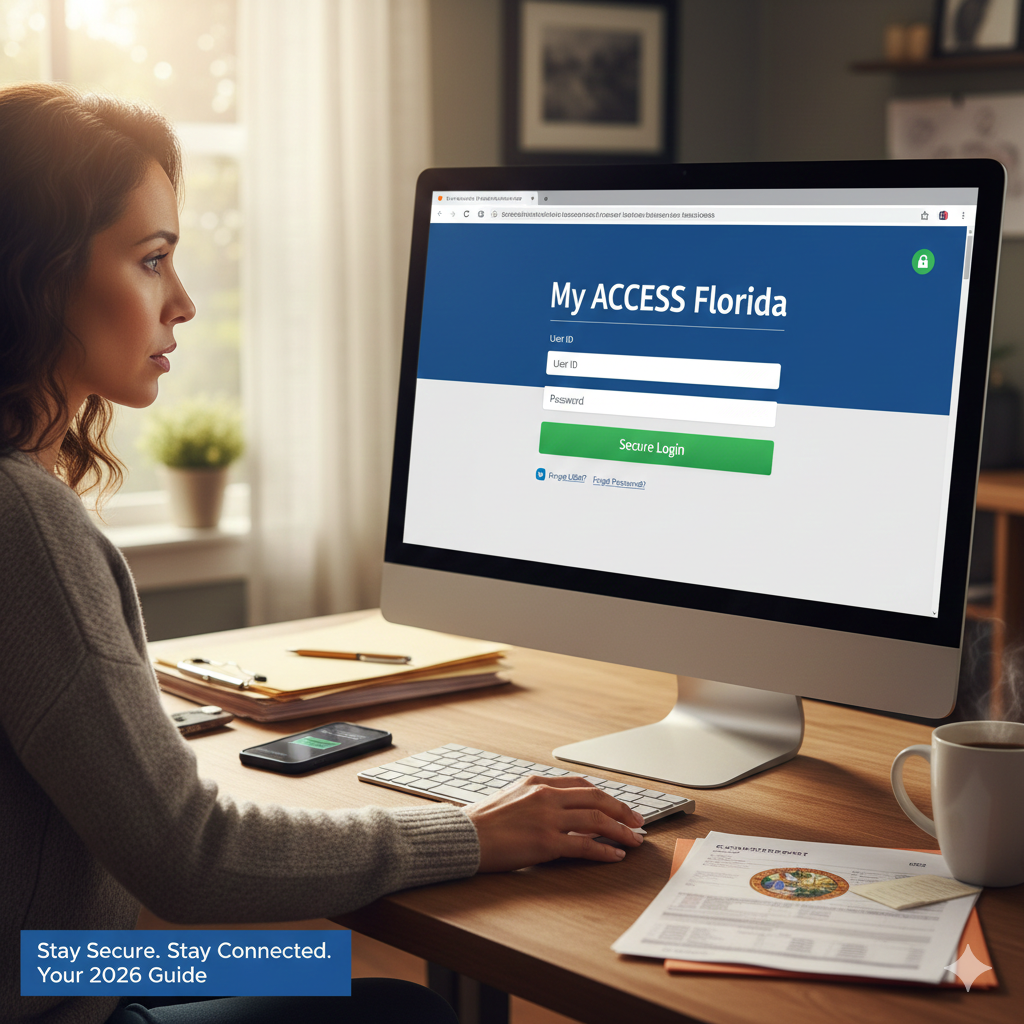
MyAccessFlorida Login: The Definitive Guide to Managing Your Benefits in 2026
For thousands of residents in the Sunshine State, the MyAccessFlorida login portal is the gateway to essential life services, including SNAP (food assistance), Medicaid, and TANF (cash assistance). However, navigating the Florida Department of Children and Families (DCF) digital infrastructure can often be confusing, leading to locked accounts and, in the worst cases, a temporary loss of benefits.
In this exhaustive guide, we will cover everything you need to know about securely accessing your ACCESS Florida account, troubleshooting login errors, and utilizing the portal’s latest 2026 features to ensure your family remains protected.
Why Your MyAccessFlorida Account is More Important Than Ever
In 2026, the Florida DCF has moved almost 95% of its communication to the digital portal. Paper notices are becoming a thing of the past. Your MyAccessFlorida login is no longer just an option; it is a necessity for:
-
Checking your monthly EBT balance.
-
Uploading required verification documents for Medicaid.
-
Completing your annual redetermination.
-
Receiving urgent “Notices of Case Action.”
By logging in regularly, you prevent “procedural denials,” which happen when the state tries to contact you and receives no response.
Step-by-Step: How to Login to MyAccessFlorida Securely
Security is paramount when dealing with sensitive information like Social Security numbers and financial data. Follow these steps to ensure a secure login:
Step 1: Access the Official URL
Always ensure you are at the official government site. Many “phishing” sites mimic the look of the login page to steal your credentials.
-
Official Link:
https://www.myflorida.com/accessflorida/(or the direct portal URL provided by DCF).
Step 2: Enter Your Credentials
Input your User ID and Password. Remember that passwords are case-sensitive. In 2026, many browsers offer to save your password; only do this if you are on a private, password-protected computer or smartphone.
Step 3: Multi-Factor Authentication (MFA)
Florida has enhanced its security protocols. You may be required to enter a code sent to your registered email or via SMS. This is a critical layer of protection against identity theft.
Troubleshooting Common Login Issues
If you find yourself stuck at the login screen, you are not alone. Here are the most common solutions to technical hurdles:
A. Forgot User ID or Password
Do not try to guess your password more than three times, or the system will lock your IP address for security reasons.
-
Click on the “Forgot User ID” or “Forgot Password” link.
-
You will need to verify your identity using your case number, Social Security number, and date of birth.
-
Answer your “Security Questions” exactly as you wrote them when you first created the account.
B. “Account Locked” Errors
If your account is locked, waiting 24 hours is usually the first step. If the lock persists, you must call the Florida ACCESS Customer Service line at 1-850-300-4323. Be prepared for long wait times, especially during the first week of the month.
C. Browser Compatibility Issues
The MyAccessFlorida portal is optimized for the latest versions of Google Chrome and Microsoft Edge. If the “Login” button is not responding:
-
Clear your browser’s cache and cookies.
-
Disable any “Ad-Blocker” extensions, as they sometimes interfere with the portal’s scripts.
-
Ensure JavaScript is enabled.
Features You Should Use After Logging In
Once you have successfully navigated the login process, there are several tools you should check immediately to maximize your benefits.
The “Message Center”
This is where the DCF sends electronic versions of your letters. Checking this weekly is the best way to avoid missing a renewal deadline.
Document Upload Feature
Gone are the days of faxing paystubs or mailing copies of your lease. You can take a clear photo of your documents with your smartphone and upload them directly through the portal.
-
Tip: Ensure the file size is under 5MB and in PDF or JPG format for faster processing.
Benefit Summary
This section shows you exactly when your next EBT deposit will arrive and the status of your Medicaid coverage. If you see a “Pending” status, it means a caseworker is currently reviewing your information.
Security Best Practices: Protecting Your ACCESS Account
Since your portal contains “Your Money or Your Life” (YMYL) information, hackers often target these accounts.
-
Never Share Your Password: No DCF employee will ever ask for your password over the phone or via email.
-
Use a Strong Password: Avoid using your birth year or name. Use a combination of symbols (@, #, $), numbers, and uppercase letters.
-
Public Wi-Fi Warning: Never log into MyAccessFlorida while connected to public Wi-Fi (like at a library or coffee shop) unless you are using a VPN (Virtual Private Network). Public networks are easily intercepted by “Man-in-the-Middle” attacks.
How to Create a New Account (First-Time Users)
If you are new to Florida or have never managed your benefits online, creating an account is the first step.
-
You will need your Case Number (found on any letter sent by DCF).
-
You must have a valid email address.
-
You will be asked to set up five security questions. Choose answers that are easy for you to remember but impossible for others to guess (e.g., “The name of your first pet”).
Managing Benefits via the Mobile App
For those who prefer using a smartphone, the MyAccess Mobile App offers a streamlined login experience. While it doesn’t have all the features of the full desktop site, it is excellent for:
-
Checking your EBT balance on the go.
-
Quickly uploading a single document.
-
Receiving push notifications about case changes.
FAQ: Frequently Asked Questions About MyAccessFlorida Login
Why does the portal say “System Unavailable” at night?
The MyAccessFlorida system often undergoes maintenance between 11:00 PM and 2:00 AM EST. If you cannot log in during these hours, try again during normal business hours.
Can I link multiple cases to one login?
Usually, one login is tied to one primary applicant’s Social Security number. If you are a caregiver for an elderly parent, you may need to set up a separate login or obtain “Authorized Representative” status from DCF.
What should I do if I suspect someone else has logged into my account?
Change your password immediately through the “Forgot Password” link and contact the DCF Fraud Hotline.
Is the login portal available in Spanish or Creole?
Yes. On the main login page, you can select your preferred language in the top right corner to navigate the portal more easily.
Conclusion: Taking Control of Your Florida Benefits
The MyAccessFlorida login portal is a powerful tool designed to give you autonomy over your government assistance. By mastering the login process, keeping your security questions updated, and utilizing the document upload features, you reduce the risk of administrative errors that lead to benefit termination.
Stay proactive, check your message center regularly, and always keep your login credentials in a safe, private place. Your food security and healthcare access depend on your ability to stay connected with the state through this vital digital link.